

Create a Bootable Drive for Sequoia on a Mac
Chris James L1 min read


If you would like to Create a Bootable Drive for Sequoia on a Mac here are the steps:
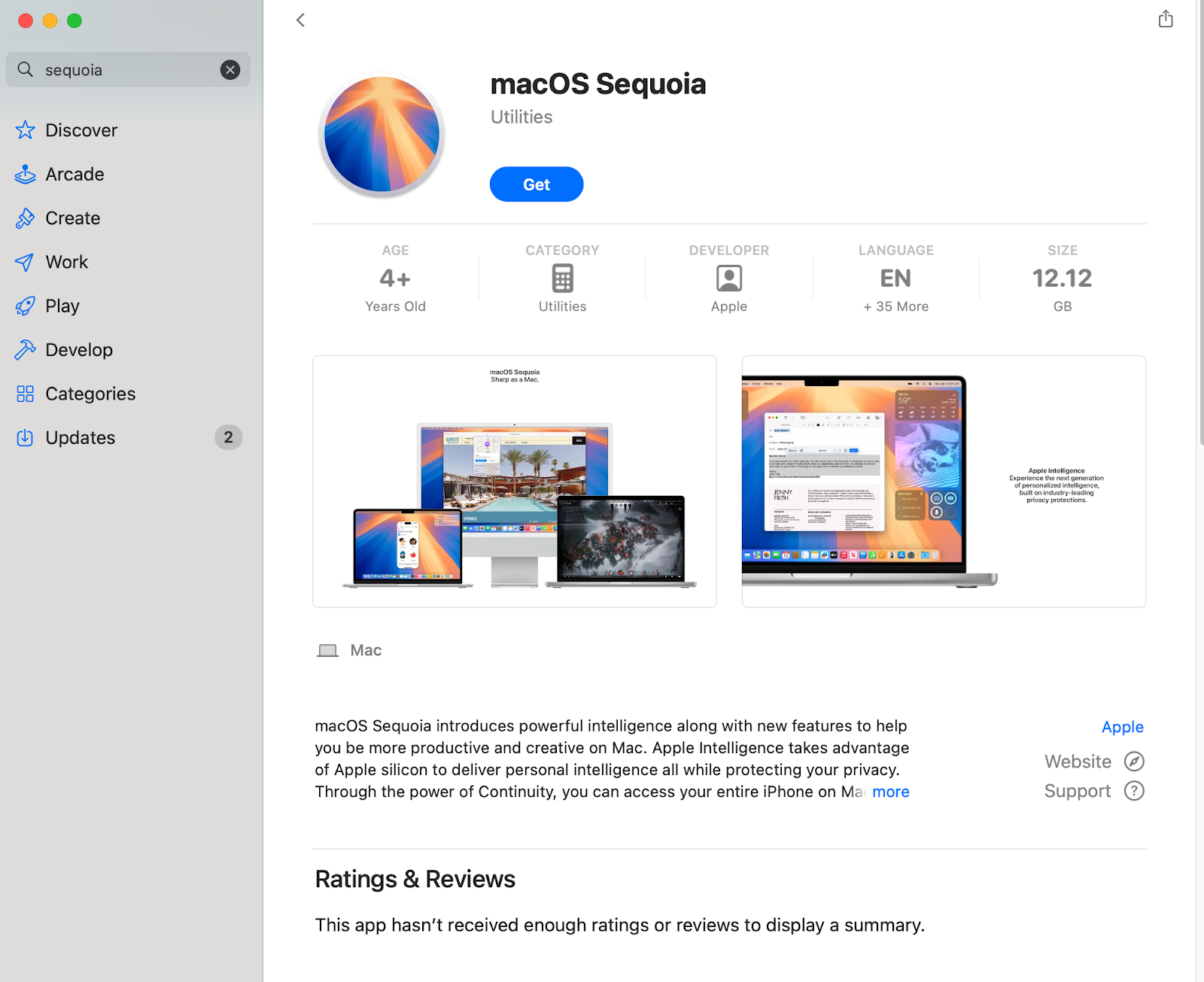
- Download Sequoia from the App Store
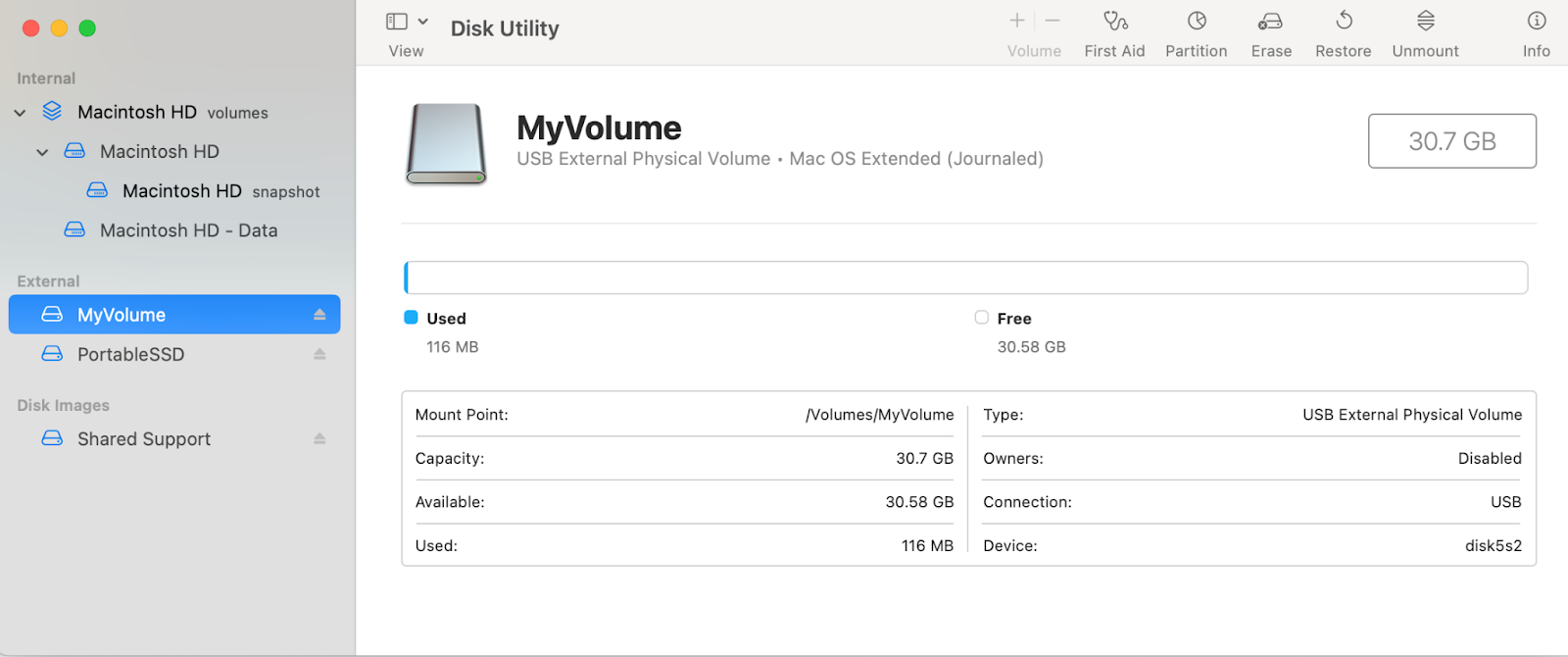
- Format your drive and name it MyVolume.
3. Open Terminal
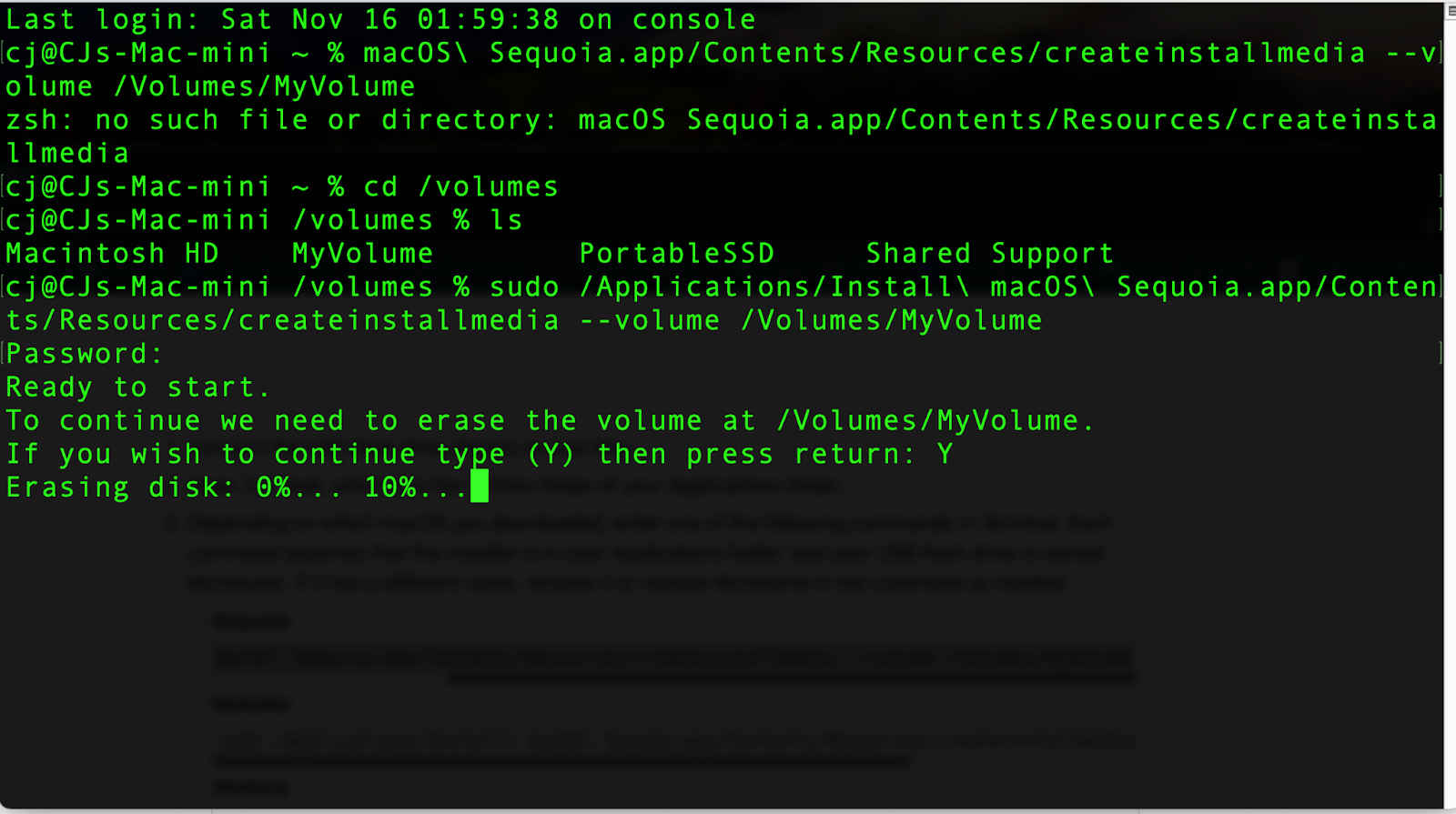
4. Enter this Command in the Terminalsudo /Applications/Install\ macOS\ Sequoia.app/Contents/Resources/createinstallmedia --volume /Volumes/MyVolume
5. Let the formatting and Installation Finish and you will have a bootable drive.







Comments
Sign in to join the conversation.
No comments yet.