

Boost Your Sales with Google Shopping and iSocialize
Chris James L1 min read

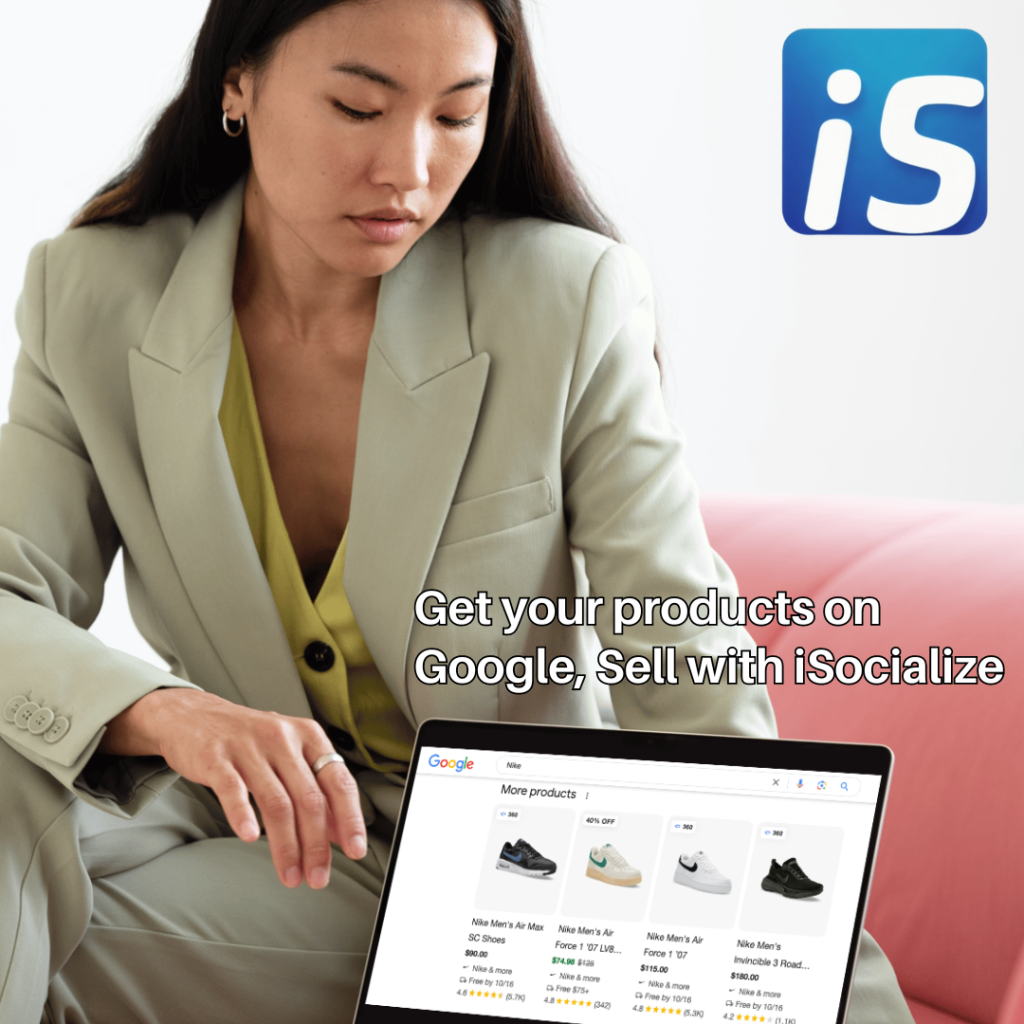
In today's competitive e-commerce world, getting your products in front of potential buyers is key to success. Google Shopping is a powerful platform that helps your products reach millions of shoppers by displaying them directly in Google search results. Combining this with iSocialize's unique social commerce features can significantly boost your sales.
How to Get Started with Google Shopping and iSocialize:
- Create a Google Merchant Account
Head to Google Merchant Center and create an account. This is where your product information will be uploaded for Google Shopping. - Add Your Products to Google Merchant
Once your account is set up, add your products by uploading a product feed, which includes details like product name, price, and image. - Link Your iSocialize Product URL
On iSocialize, list your products and copy the product URL. In your Google Merchant Center, link each product URL from iSocialize to your Google Shopping listings, driving traffic directly to your iSocialize store. - Optimize for More Sales
Ensure your product listings are accurate and engaging. Use high-quality images, clear product descriptions, and competitive pricing.
By integrating iSocialize with Google Shopping, you can take advantage of the platform’s massive reach and iSocialize's unique features, helping you connect with more customers and ultimately drive higher sales.
Start growing your business today with iSocialize and Google Shopping!







Comments
Sign in to join the conversation.
No comments yet.